
Neshoba VINELink Custody Coverage
Mississippi's statewide program goes by SAVIN, and VINE is the notification service behind it. The Office of Mississippi SAVIN/VINE runs the system. State guidance says it follows people held in participating county jail facilities. It also covers anyone in Mississippi Department of Corrections custody. That word "participating" matters here. No county-specific source confirms that every Neshoba County booking flows into VINE.
Try Neshoba County in the live Mississippi search to see what comes back. A matching record will show custody and agency details worth reading closely. If nothing appears, call the Neshoba County Law Enforcement Center at 601-656-1414. A brand-new arrest can lag behind the electronic update. A facility listed under a different name may not return what you expect.
VINELink is simply the public web door to VINE. SAVIN is the state's own name for the program. Neither one tracks a court docket.
Check a Neshoba Person
The search runs on JavaScript, so the labels and menus can shift over time. Stick to one person at a time. Enter enough detail to separate that person from others who share the name, and check the listed agency or facility before trusting a match.
- Open the official VINELink application and select Mississippi.
- Choose the relevant county or participating facility if the interface offers that filter.
- Enter the person's name or offender identification number using the fields currently shown.
- Compare multiple matches with available identifiers, custody status, and agency details.
- Open the matching record and use its registration option if custody alerts are needed.
The Mississippi offender-information screen is the official search starting point.
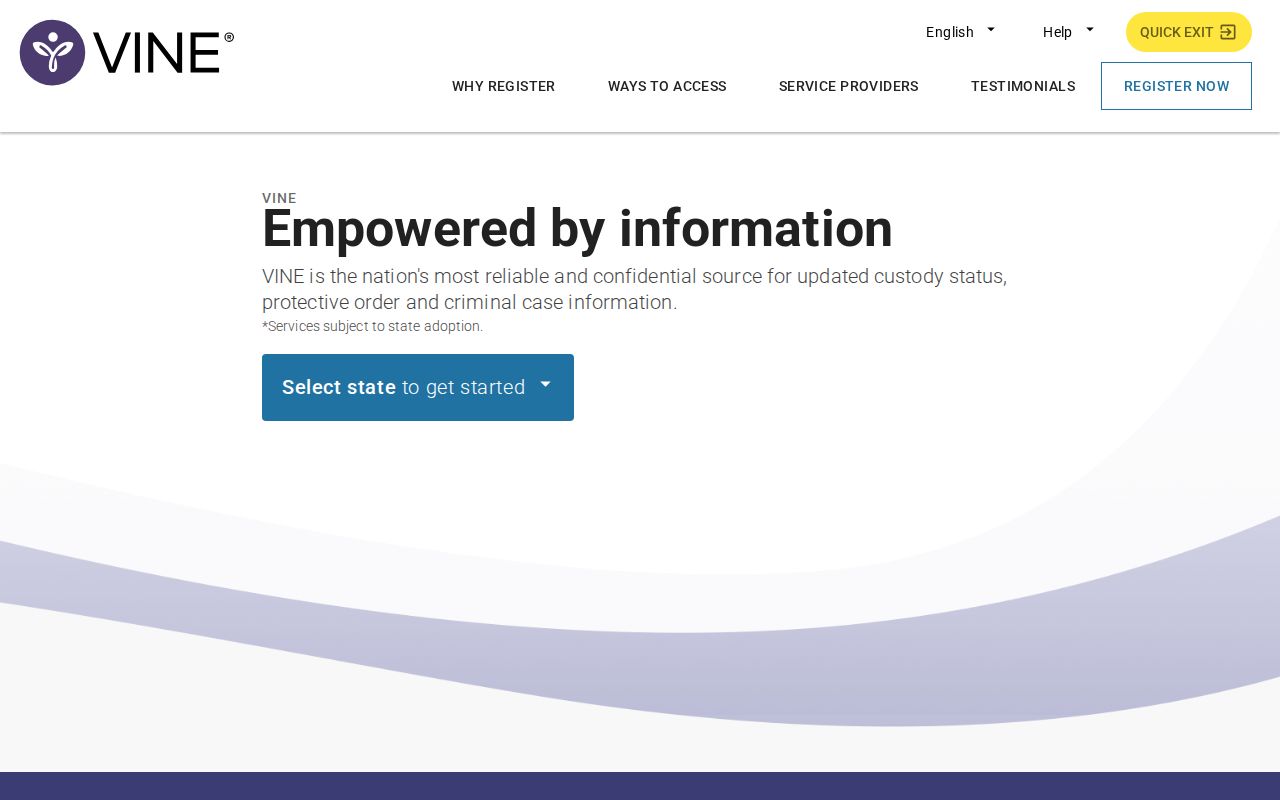
The official Mississippi search page shows the lookup screen itself, with no gallery of people and no promised Neshoba result.
Neshoba VINELink Result Fields
Exact field names are not fixed for Neshoba County, so expect some variation. A matching VINE record exists for custody and notification purposes. Read it next to the source agency rather than as a complete booking record.
| Result element | How to use it |
|---|---|
| Name or offender ID | Confirm that the result belongs to the intended person. |
| Custody status | Shows the status received from a participating system. |
| Agency or facility | Identifies the organization supplying the custody record. |
| Transfer or release change | Can trigger notice when the electronic offender file changes. |
| Registration option | Begins alert enrollment for the selected record. |
VINELink is not a booking-photo service. It will not show how a charge ends, and it may skip fields that Neshoba County's detention report contains. For the booking record, go to the sheriff or the Law Enforcement Center. For the case outcome, go to the court.
Register for Mississippi Custody Alerts
Mississippi's official SAVIN guidance says registration is anonymous and open to anyone. Use whichever contact method the current interface offers, such as phone or email, and set up the required PIN or other security step. Keep that PIN private. You will need it to manage the registration later.
- Open the registration control tied to the correct offender record.
- Select an available contact method and enter the requested address or number carefully.
- Create or confirm the PIN or other security credential shown by VINELink.
- Review the custody events covered and finish the confirmation step.
- Save the registration details and keep direct jail contact information as a backup.
The official VINELink registration screen shows the enrollment path.
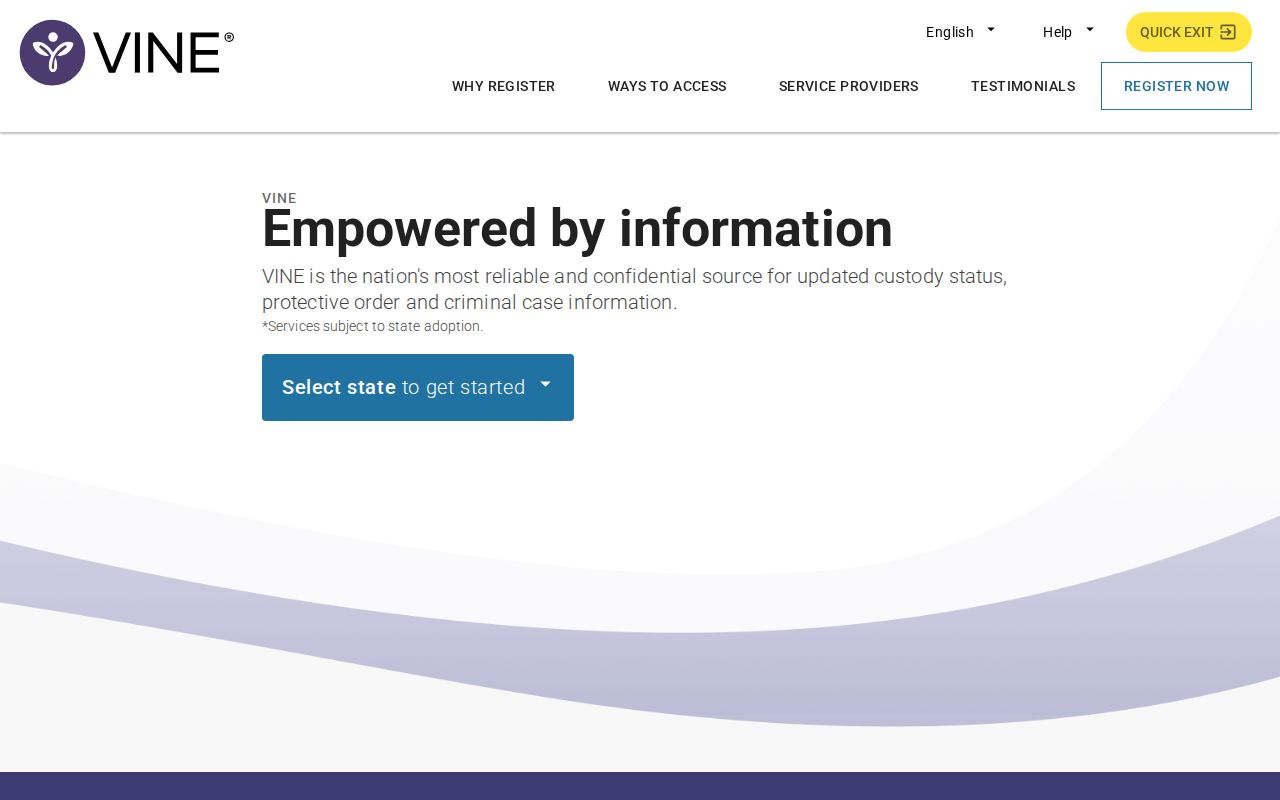
The registration screen walks through the alert workflow and the security step. It does not promise coverage for every county booking.
Neshoba VINELink Limits
A fresh Neshoba County arrest may take time to surface. Intake has to finish. The source system has to update. Then VINE has to receive the change. There is no local timing promise. The Daily Arrest Report lists the official contacts for same-day questions. When a result is urgent, missing, or murky, call the Law Enforcement Center.
Federal custody works differently. Federal Bureau of Prisons, immigration, and United States Marshals detainees sit in separate federal systems. VINELink has no general federal coverage. Someone transferred into MDOC custody may show up under the state corrections track. That track stands in for the county facility. A Registration Link can sometimes carry alerts across a move to MDOC or another participating system. The current interface and agency data control that process, though.
Mississippi VINE Alert Events
Mississippi says alerts follow changes in a person's electronic offender file. Transfer is one such change. So are return to custody, escape or absconding from supervision, and release. More than one notice can arrive. Agencies update the record over time. A release notice speaks only to custody status, not to the case outcome.
- Transfer
- A move from one facility or participating system to another.
- Return to custody
- A new electronic event showing that custody resumed.
- Absconding
- A supervision status indicating that a person left required oversight without authorization.
- Release
- An exit from the custody reflected in that record, which may not end the court case.
Mississippi SAVIN answers the phone at 601-359-5759 during business hours. The 24-hour English or Spanish line is 1-888-9-MSSAVIN, with TTY at 866-847-1298. These lines handle VINE registration and service questions, but they never replace 911.
Neshoba Custody Status Context
Each tool answers a different question. A just-booked person enters through the county intake path first. Someone in custody may appear through a participating jail source or VINE. A released person can drop out of a current-custody view. That person may still show in the weekly arrest and release report. A sentenced state prisoner belongs in MDOC records instead.
Bond covers the terms of release, while disposition means the court's final recorded outcome. Pair any VINE release or transfer alert with the court record. Do this when the legal result matters.
Note: Search by official identifiers when possible. A shared name can produce a misleading match in a statewide custody system.
Neshoba VINE Phone Registration
A phone can do everything the website does. Mississippi SAVIN answers registration questions during business hours, and a separate line runs around the clock in English or Spanish. Calling helps when the web interface is down. It also helps when a facility name is confusing or the online steps are hard to manage. Share only what the service asks for. Then confirm the offender record is correct before you enroll.
The 24-hour line can register an alert at any hour, but it is not a Neshoba County booking desk. For an arrest that just happened, jail staff are still the direct source. SAVIN also cannot give you the court's final judgment. Route each question to the agency that owns the record: custody alerts to VINE, current county detention to the Law Enforcement Center, state imprisonment to MDOC, and case outcomes to the court.
Mississippi offers TTY access as well. That option belongs to the official notification service and works with the current instructions from SAVIN. Once you are registered, treat every call or message as time-sensitive. Verify it with the agency named in the notice.
Keep your alert contact details current. A changed phone number or email can stop a notice from reaching you.